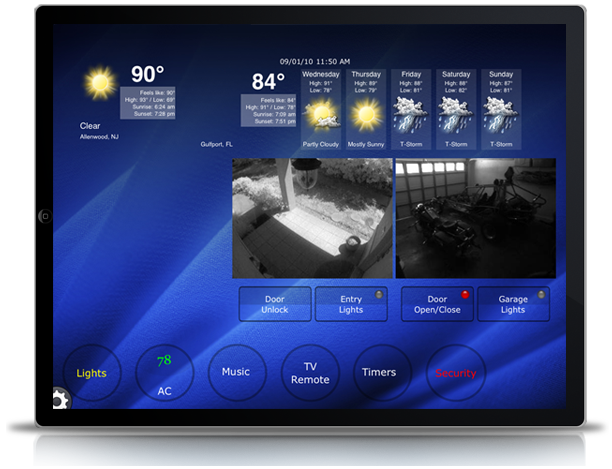
Use your iPad like a Vantage Touchscreen at home, on WiFi, or around the world on 3G. The possibilities are only limited by your imagination! Click here for info on how to order Home Control Plus.
How to Acquire and Install a Key Code for Home Control Plus: Download Home Control Plus+ from iTunes on the iPad. From the Demo page, press the Activate button in the top right corner. A Safari link will open asking you to create a user profile. Use your Vantage Dealer Login Name and our server will confirm you are a Vantage Dealer. After following the checkout process, a key code for your device will automatically be emailed to you. Unzip the key code and drop it into iTunes file sharing under Home Control Plus.